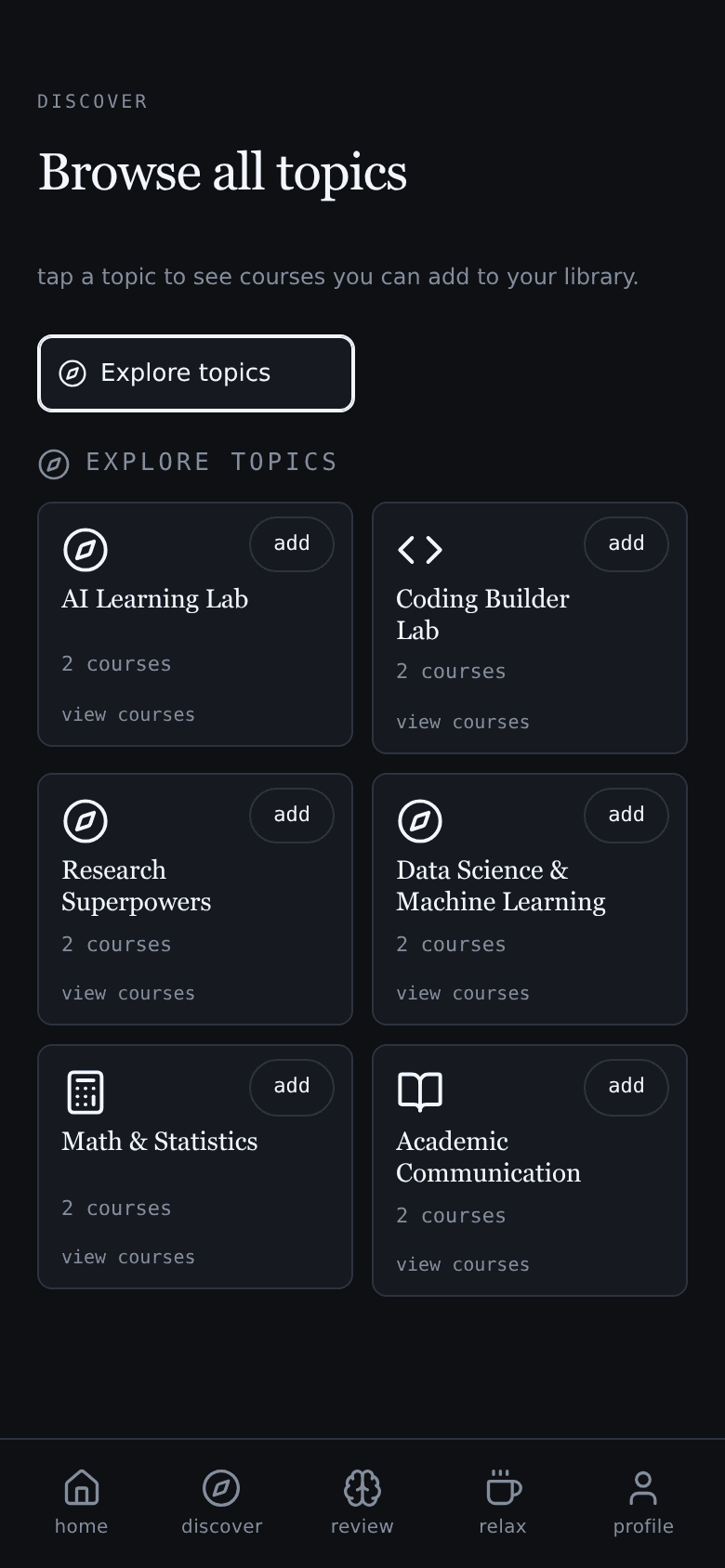
 Interface preview · Example content
Curated preset paths
Explore preset paths built from useful public-course playlists across AI, coding, data, research, and systems.

Each study minute earns visible break time, so starting feels rewarding before the long-term payoff kicks in.
Study. Earn. Unwind.

Watch a course.
Earn time to scroll.
Start with curated public-course paths, import the YouTube playlists you already trust, or upload your own PDFs.
Interface preview · Example contentExplore preset paths built from useful public-course playlists across AI, coding, data, research, and systems.
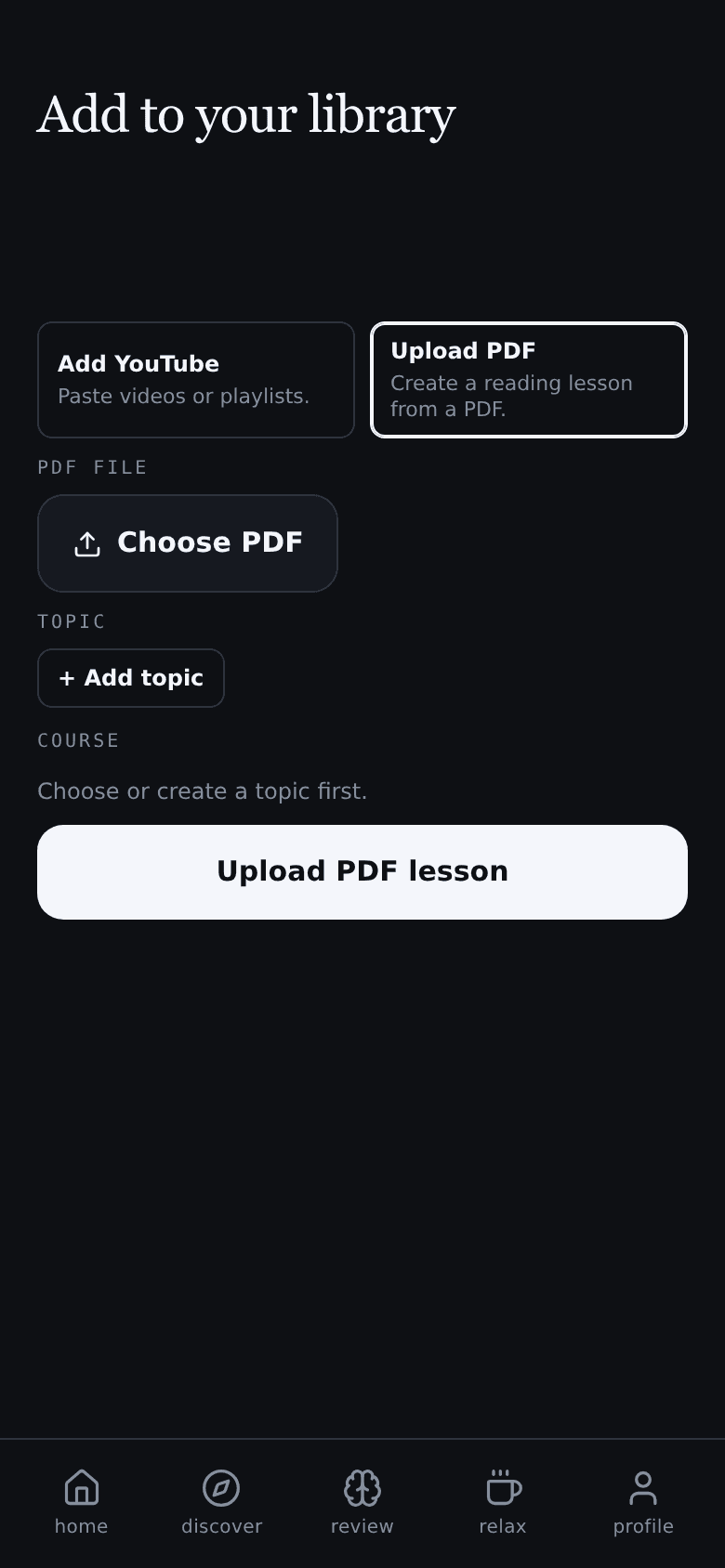 Interface preview · Example content
Import YouTube videos and playlists, or upload a PDF. Read your documents and accumulate learning time.
Yes. LearnTok is completely free while your library has fewer than 50 customizable study materials. A paid plan is needed to expand your library beyond the free limit.
No. Blockers try to stop the behavior. LearnTok changes the loop around it: earn the break, plan it, cool it down, and bring the lesson back when scrolling keeps pulling.
No. It is not punishment. The goal is to make starting easier by attaching real learning to a short-term reward your brain can actually feel.
First, the feed cools down. If you still want more, borrow mode makes that choice explicit and brings your lesson back until the extra time is paid back.
No. Presets help when you want direction. You can also import your own YouTube videos and playlists, or upload PDFs and accumulate learning time while reading.
For the student trying to get unstuck
Not a blocker you'll delete in a week. A study-break routine that actually works.
Feedback: feedback@learntok.dev